A better way to listen and learn

Listen in another language. Stay with the story.

Find a podcast or bring your own audiobook. Follow the words as you listen, understand a phrase in context across your languages, and save the moments you want to keep.

Join the free iPhone betaTestFlight · iOS 26 · no Letora account needed
Discover podcasts in your language
The moment Letora is for

One unfamiliar phrase shouldn’t end the conversation.

You’re enjoying a story or an idea, then a word slips past you. Pausing to search elsewhere breaks your attention. Letora keeps the audio, the passage, and the explanation together so you can understand it and carry on.

A simple listening journey

From curious to connected.

Start with something you actually want to hear. Letora helps when you need it, then gets out of your way.

01

Choose what’s worth your time.

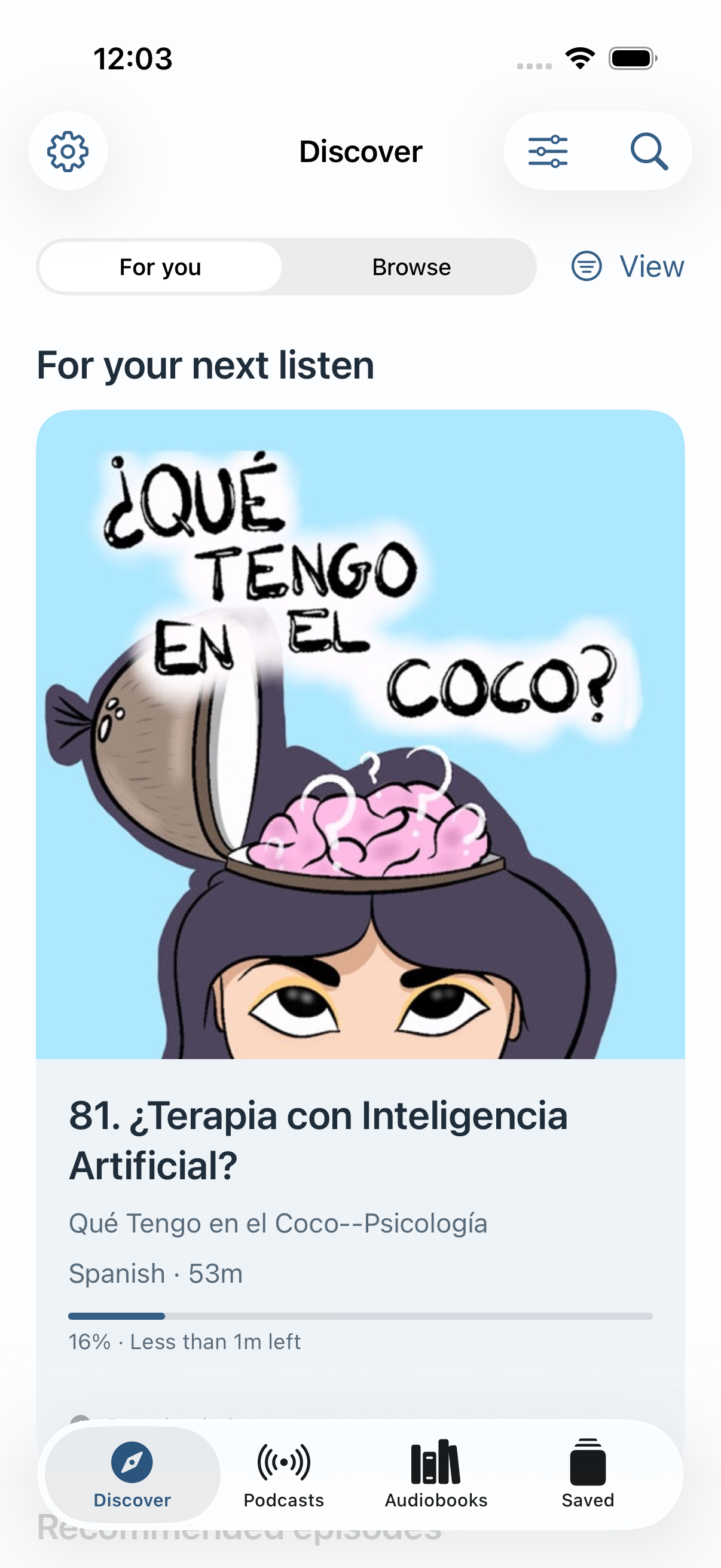
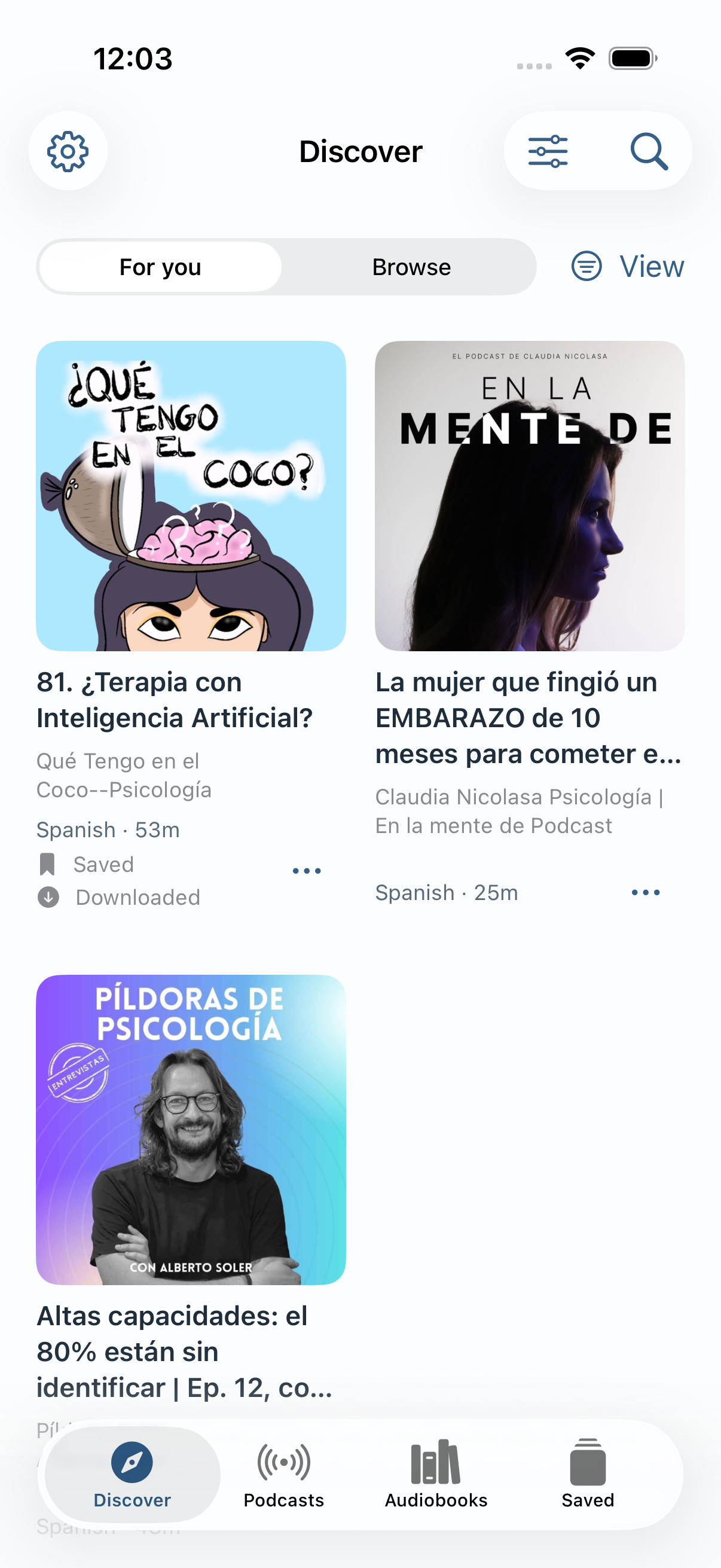
Explore public podcasts in the languages you’re practicing, or add an audiobook file you own. Podcasts and audiobooks each have their own place in Letora.

Discover · podcast episodes in Spanish

Discover · podcast episodes in Spanish

02

Hear it. See it. Understand it.

Follow the transcript while the audio plays. Tap a word or select a phrase to see its meaning in the original language and an explanation in the languages you chose—without leaving your place.

“I lost the thread when the speaker changed topics.”
English · original

I lost the thread

I stopped following the speaker’s point.

German

Ich habe den Faden verloren.

Ich konnte dem Gedankengang nicht mehr folgen.

Spanish

Perdí el hilo.

Ya no podía seguir lo que decía.

Prepared example · explanations of your own audio may vary.

03

Keep what stays with you.

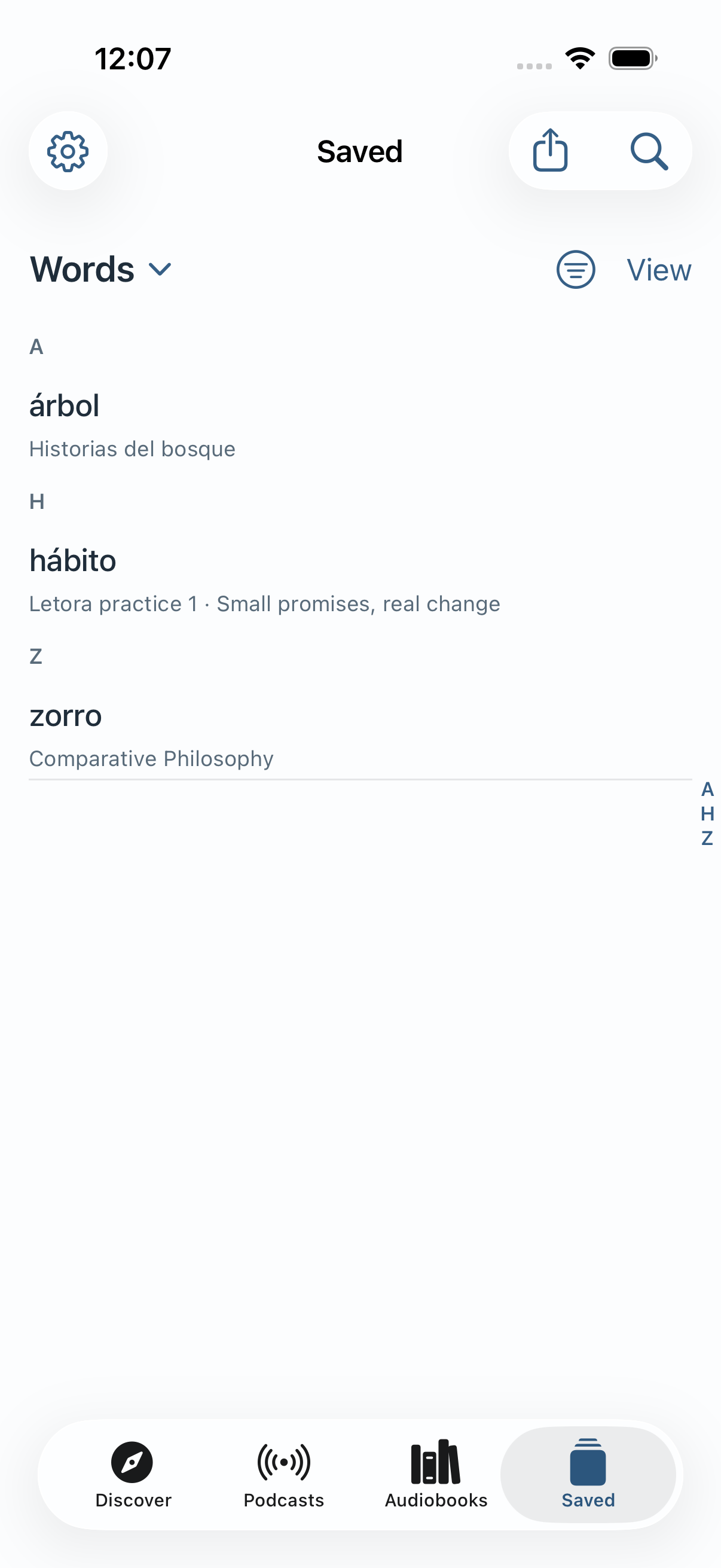
Save a useful word with its source, or clip a passage you want to revisit or share. Your saved words live in one collection, even when they came from different podcasts and books.

Saved · one A–Z vocabulary collection

Saved · one A–Z vocabulary collection

Make it yours

Two ways in. One place to understand more.

Find a podcast

Start without importing a file. Browse public shows and episodes, save a listen for later, and pick up where you left off.

Bring your audiobooks

Import your DRM-free audio files from Files, or connect your own Audiobookshelf server. Your books have a separate home from podcasts.

Why I built Letora

I wanted to keep listening.

I listen to books and podcasts in languages that aren’t my mother tongue. Sometimes I know the words but miss the idea. Other times, I need to understand one word before the rest makes sense.

Writing it down, switching apps, and getting only one translation kept pulling me out of what I was hearing. I built Letora to put the meaning beside the moment—and to connect the languages we live in.

Kris Bursuc · Letora

Good to know

A few straight answers.

What do I need to get started?
An iPhone running iOS 26 and TestFlight. You can begin with a public podcast; you don’t need an audiobook, a NAS, or a Letora account.
Can I use more than two languages?
Yes. Choose from English, German, Spanish, French and Portuguese. Letora shows the source meaning and the translated term with an explanation in each chosen language. Quality and availability can vary by language and device.
Does word help work on older iPhones?
Letora offers optional online explanations when on-device help is unavailable. The app asks before sending selected text and nearby context online. Audio and complete books are not sent by this feature.
Can I import Audible downloads?
Audible’s protected downloads can’t be imported. Letora supports audio files you can move freely, and public podcasts.
What does the beta cost?
The iPhone beta is free. Future App Store pricing has not been announced. See the privacy policy for how Letora handles online help and listening data.
Your next listen is waiting

Hear more. Understand more.

Choose your languages, find a podcast, and try Letora on your iPhone.

Join the free beta